Strict by default
All third-party app and web categories that iOS permits Monk to shield stay closed.
PHONE FASTING APP FOR IPHONE
Choose a phone-free window and let Monk use Apple's Screen Time controls to keep every app and website iOS allows closed until the time is held.
$7.79 in the US
One purchase · No subscription
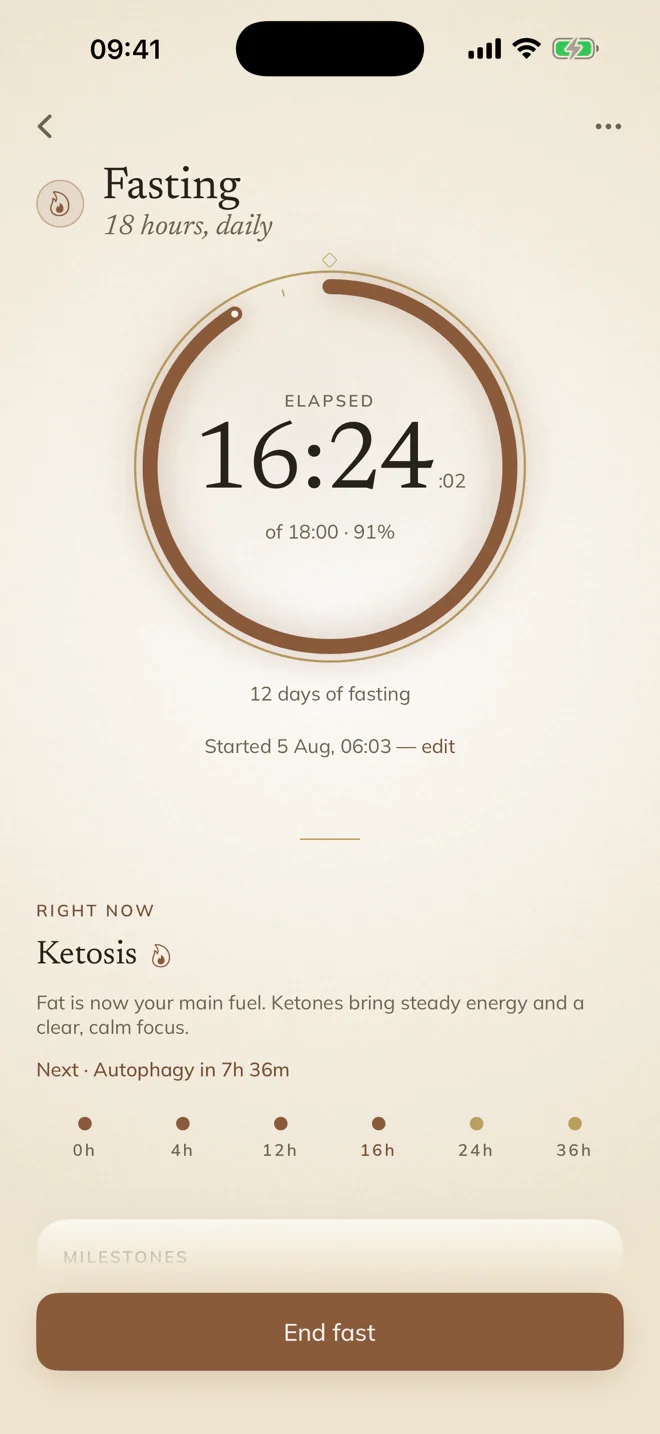
A DELIBERATE PAUSE
Choose the period in advance. Monk seals every shieldable app and website, then lifts the block when the common clock ends.
HOW IT WORKS
Grant Screen Time access once, choose between 15 minutes and 8 hours, and start. There is no allowlist and no ordinary early-unlock button: blocked apps close and return you to the fast.
Need to end for a real emergency? Monk keeps a confirmed Emergency Release inside the app and records the strict fast as “Began again.” You can also choose the quieter honor-system timer instead.
All third-party app and web categories that iOS permits Monk to shield stay closed.
The clock completes, or an Emergency Release records that you began again.
Start one common clock with accepted friends. They see readiness and outcome—not your app activity.
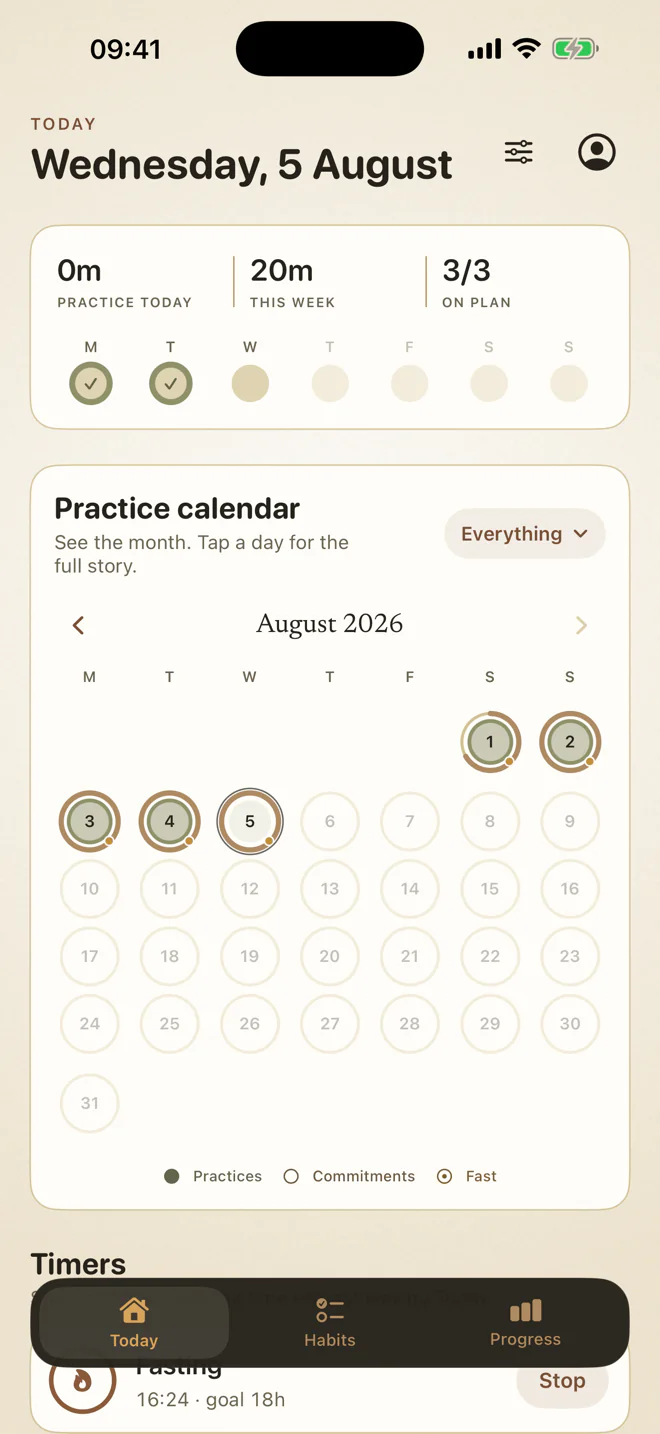
PART OF THE WHOLE PRACTICE
A phone fast does not need its own account, subscription or dashboard. In Monk it lives beside your daily habits, abstinence commitments, food fasts and reflection.
Solo phone fasting works offline without an account. Monk asks iOS to shield categories; it does not read or upload your app usage, app identities or websites. Monk uses no advertising or behavioral analytics.
See exactly what stays privateCOMMON QUESTIONS
With optional Screen Time permission, strict phone fasting shields every third-party app and website category iOS allows. Phone and emergency system routes remain available.
A confirmed Emergency Release is always available inside Monk. It lifts the shield and records the strict fast as “Began again.”
Yes. Phone-fast Live Activities can show progress on the Lock Screen when you enable them.
No. Screen Time applies the shield on-device. Monk does not receive or upload the apps or websites you use or try to open.
START WITH A QUIETER HOUR
Choose the window. Let iOS hold the line. Return when the time is held.
Coming soon on the App Store$7.79 in the US · One purchase · No subscription