
How to Set a Phone-Free Window in the Evening (Without Relying on Willpower)
Steps for creating a realistic phone-free window in your evening, using a simple timer to mark the session and a short reset for days you miss. Points to Monk's phone-free timer, which depends on supported Apple Screen Time controls and permissions, as an ordinary session timer rather than strict blocking.
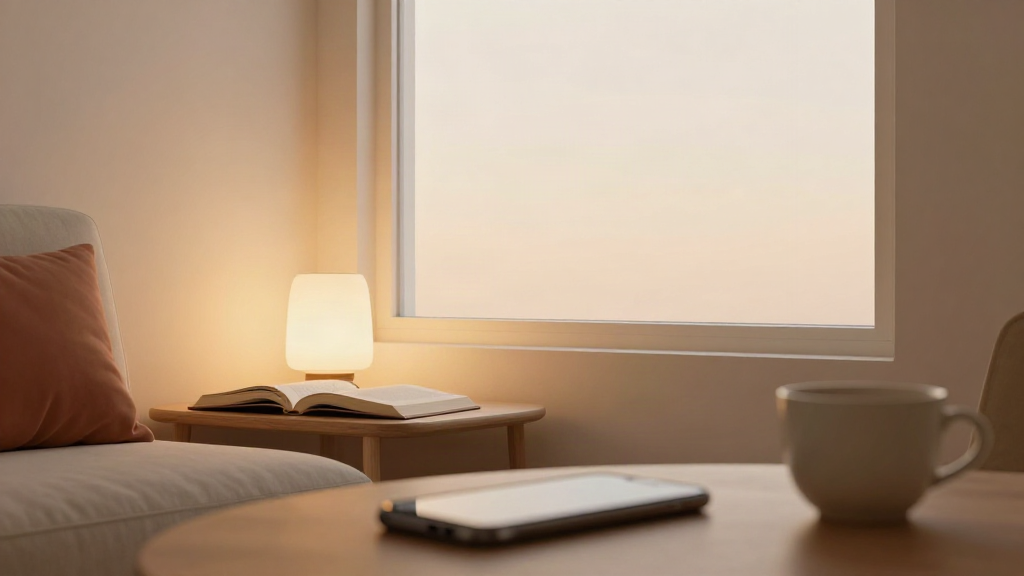
How to Set a Phone-Free Window in the Evening (Without Relying on Willpower)
Most evenings, the phone wins by default. You finish work, sit down, and the next hour disappears into a feed you did not choose. The problem is rarely a lack of discipline. It is that nothing else is holding the space. A phone-free window is simply a small, repeatable block of your evening where the phone stays out of reach and something calmer takes its place.
Here is how to set one up so it actually survives a normal week - and how a simple phone free timer app like Monk can mark the session instead of you having to police it.
Start with a window, not a rule
"Forbid myself from using my phone" is a rule. Rules invite negotiation, and by 9 p.m. you will find a reason to make an exception.
A window is different. It has a start and an end, and it belongs to a specific moment in your evening. Pick something already happening - the point where you would normally sit down after dinner, or when you get home from work and change clothes - and name that as the beginning.
For example: "From 8:30 to 9:30, the phone stays on the kitchen counter." That is it. You are not quitting anything. You are choosing what a single hour looks like.
Two things make a window easier to keep:
- It is anchored to an existing daily moment, so you are not relying on a reminder.
- It is short enough that you can see the end of it. A one-hour window feels light. A whole evening feels like a sentence.
Give the window something to hold
An empty hour is hard to protect. If the only instruction is "no phone," your attention will drift back toward it. So decide in advance what the window is for, and keep it ordinary.
Reading is the easiest one to start with. Put a book on the table before you sit down. When the window begins, the book is already there and the phone is already out of reach. You are not resisting a habit - you are following through on a plan you made while you were calm.
Other simple anchors for the same hour:
- A short meditation, five or ten minutes, taken from a calm seated position.
- A slow cup of tea or coffee with no screen in front of you.
- A few pages of a journal, or a quiet review of how the day went.
- Time on a workout or stretching habit you are building.
Pick one. The window works because it has a single, low-effort purpose - not because it is packed with activities.
Use a timer so the window has edges
Willpower fades when a window is vague. A timer fixes that. When you can see a session running, the decision to stay off the phone stops being a running debate and becomes a simple fact: the timer is on, so the hour is still going.
This is where a phone free timer app earns its place. In Monk, the phone-free timer marks an ordinary session - you start it, the evening window begins, and it quietly tracks the time without asking anything of you. It is a way to hold the edges of the hour, not a way to lock your phone down.
One honest note: phone blocking depends on supported Apple Screen Time controls and permissions, and the timer shows a normal session rather than proof of strict app blocking. The point is the ritual - a visible, calm boundary for the hour - not an airtight cage around the device.
Make it work on the days you slip
You will miss nights. A work call runs long, a friend calls, and the window does not happen. The instinct is to treat that as failure and abandon the whole thing.
Try a lighter response: skip the story, keep the habit. The next evening, restart the same window at the same time. There is no streak to protect and nothing to make up for. A missed evening is just an evening. What matters is that the window is still there to return to.
If an hour feels too long after a few misses, shorten it. Ten calm minutes off the phone, repeated most evenings, will do more for your evenings than a perfect hour you only ever manage once.
Keep it simple and repeatable
A phone-free window is not a productivity system. It is a small boundary you place around one part of the day, and it works best when it stays small:
- Choose one moment in your evening and one length - often an hour, sometimes less.
- Put the phone somewhere out of reach before the window starts.
- Give the hour one simple purpose, like reading or a short meditation.
- Start a timer so the window has a clear beginning and end.
- When you miss a night, restart the next evening without commentary.
Do this for a week and the shape of your evenings begins to change - not because you fought your phone harder, but because you gave the hour a purpose the phone was not part of.
Where Monk fits
Monk is a calm iPhone app for everyday habits, meditation, phone-free time, fasting timers, reflection and weekly progress. The phone-free timer is one small piece of it: a quiet session timer for your evening window, with the same understated design across reading, meditation, workouts and less time on social media. Core personal use works offline without an account, and cloud backup and sync are optional.
It is one purchase on the App Store - no subscription, no in-app purchases, no ads. If you want to see whether a simple phone-free timer fits your evenings, take a look at Monk and decide for yourself.
Keep the habits. Leave the rest.